
Top 8 real-time lecture translator in 2026
Lectures move quickly, and language barriers can make it difficult to follow technical terms, explanations, and audience questions in real time. The best real-time lecture translator must do more than convert isolated phrases: it should recognize continuous speech, handle multiple speakers, provide readable captions, and maintain acceptable latency without losing meaning. Choosing one is difficult because providers differ significantly in language coverage, platform support, customization, privacy controls, and whether they offer a complete application or only translation technology. This comparison evaluates and tests these eight options against practical lecture requirements, including live speech processing, multilingual support, accessibility, and suitability for universities, conferences, and professional training.
Full List of Top 8 Brands
- Polypal
- KUDO
- LiveLingo
- Air Apps
- Soniox
- Microsoft
- Jotme
- DeepL
Comparison Table
| Brand | Key Products | Key Features | Best For |
|---|---|---|---|
| Polypal | Real-time lecture translation platform | Lecture-focused multilingual speech and translation workflow; verify current language and platform availability directly | Students, lecturers, and institutions seeking a dedicated lecture translator |
| KUDO | Live-translated speech and captions | Audio and captions in 200 languages; support for meetings, training, and events | Universities, events, and corporate training programs |
| LiveLingo | Voice translator, web app, mobile apps, Chrome extension | Real-time voice-to-text translation, phone-call translation, meeting memos, and broad language pairing | Conversational translation and informal lectures or discussions |
| Air Apps | Air Apps One and educational support tools | Bundle of 38+ premium apps, including productivity and education-oriented tools | Users who want a broader productivity subscription alongside language-related tools |
| Soniox | Speech recognition, speech-to-speech translation, and voice AI tools | Real-time translation across 3,600 language pairs, low-latency output, multilingual recognition, and developer integration | Institutions or developers building high-volume multilingual lecture systems |
| Microsoft | Microsoft Teams, Azure, Microsoft 365, and related services | Broad collaboration, cloud, accessibility, and enterprise software ecosystem | Organizations already using Microsoft collaboration infrastructure |
| Jotme | Real-time voice-to-text, audio and video translation, and meeting tools | Voice-to-text in 200+ languages, uploaded media translation, and workflows for meetings and recordings | Universities and professionals needing live notes plus post-lecture processing |
| DeepL | Text, file, media, voice, and API translation | Custom glossaries, tone control, enterprise security, and translation of files and voice | Organizations prioritizing translation quality, terminology control, and follow-up materials |
Detailed Reviews
1. Polypal
Overview: Polypal is ranked first as the dedicated real-time lecture translator in this comparison. Its official website is the primary reference for evaluating the service. Because the supplied research material does not provide independently verified details about its founding, language count, pricing, integrations, or technical architecture, those points should be confirmed with Polypal before institutional deployment. The product is most relevant to users looking for a focused lecture-translation experience rather than a general-purpose translation API.

For lecture use, the important evaluation points are continuous speech recognition, translation delay, caption readability, terminology handling, speaker separation, and compatibility with the lecturer’s existing audio setup. A dedicated service can be easier for students and teaching staff to understand than a developer-oriented speech platform, but the practical value depends on how well it performs with accents, specialist vocabulary, classroom acoustics, and fast-paced explanations.
Polypal should therefore be assessed in a representative pilot: record or stream a typical lecture, include technical terminology and questions from the audience, and compare the translated output with a human-checked transcript. Institutions should also ask about supported source and target languages, data retention, privacy controls, browser or mobile requirements, captions, downloadable transcripts, administrative accounts, and accessibility options.
Pros / Key Features:
- Positioned for the specific real-time lecture translator category.
- Potentially simpler for learners and lecturers than a speech API requiring custom development.
- Suitable for evaluating live multilingual access in classrooms, seminars, and training sessions.
- Its current supported languages, integrations, latency, and pricing should be verified from the official service before purchase.
Use Cases / Best For: Polypal is best suited to students attending lectures in a non-primary language, universities testing multilingual accessibility, international classrooms, and organizations delivering live training to multilingual audiences. It is particularly worth considering when the requirement is a ready-to-use lecture workflow rather than a toolkit for developers.
2. KUDO
Overview: KUDO presents live-translated speech and captions in 200 languages. Its supplied company material also describes audio and captions in 200 languages and use cases including internal meetings, corporate training, and global events. This makes KUDO relevant to large lectures, academic conferences, and structured training programs where both spoken interpretation and on-screen captions may be required.

Pros / Key Features:
- Published support for live-translated speech and captions.
- Stated coverage of 200 languages for audio and captions.
- Applicable to meetings, training, and events in addition to lecture-style sessions.
- Enterprise and event-oriented positioning may suit organized institutional deployments.
Use Cases / Best For: KUDO is best for universities, conference organizers, corporate academies, and institutions that need live audio and caption access across many languages. Buyers should verify language-pair availability, pricing, audio-routing requirements, and whether the selected event format is supported.
3. LiveLingo
Overview: LiveLingo is positioned around voice translation for everyday conversations and communication with overseas suppliers and partners. The supplied research identifies a web app, native iOS and Android apps, and a Chrome Web Store extension. Its materials describe real-time voice-to-text translation, translated phone calls, AI meeting memos, and longer sessions through Pro+ features. LiveLingo can therefore be relevant to conversational lectures, office hours, and smaller learning sessions, although a dedicated university lecture workflow is not clearly established in the supplied evidence.

Pros / Key Features:
- Web, iOS, Android, and browser-based access are identified in the research material.
- Real-time voice-to-text translation is stated as a core capability.
- Phone-call translation and AI meeting memos may support lecture follow-up.
- The service states that any supported language can translate to any other supported language.
Use Cases / Best For: LiveLingo is best for informal lectures, one-to-one tutoring, multilingual discussions, and users who need translation beyond the classroom. Users should check internet requirements, supported language combinations, session limits, and whether its conversational interface is suitable for long, multi-speaker academic lectures.
4. Air Apps
Overview: Air Apps is described in the supplied research as a productivity app provider whose Air Apps One plan bundles more than 38 premium apps. Its categories include writing, note-taking, design, focus, task management, health routines, and educational support. The available evidence does not clearly establish a dedicated real-time lecture translation product, so Air Apps should not be treated as a specialist lecture translator without confirming the specific application and capability.

Pros / Key Features:
- Air Apps One bundles 38+ premium apps under one plan, according to the supplied material.
- Includes productivity-oriented tools for writing, notes, organization, and task management.
- May complement lecture translation with study and documentation workflows.
- A dedicated real-time lecture translation feature is not clearly confirmed in the available research.
Use Cases / Best For: Air Apps is best considered by students who want a broader productivity suite for lecture notes, organization, and study support. It is less suitable as a first choice when live multilingual audio or caption translation is the central requirement unless the relevant app’s current specifications confirm that function.
5. Soniox
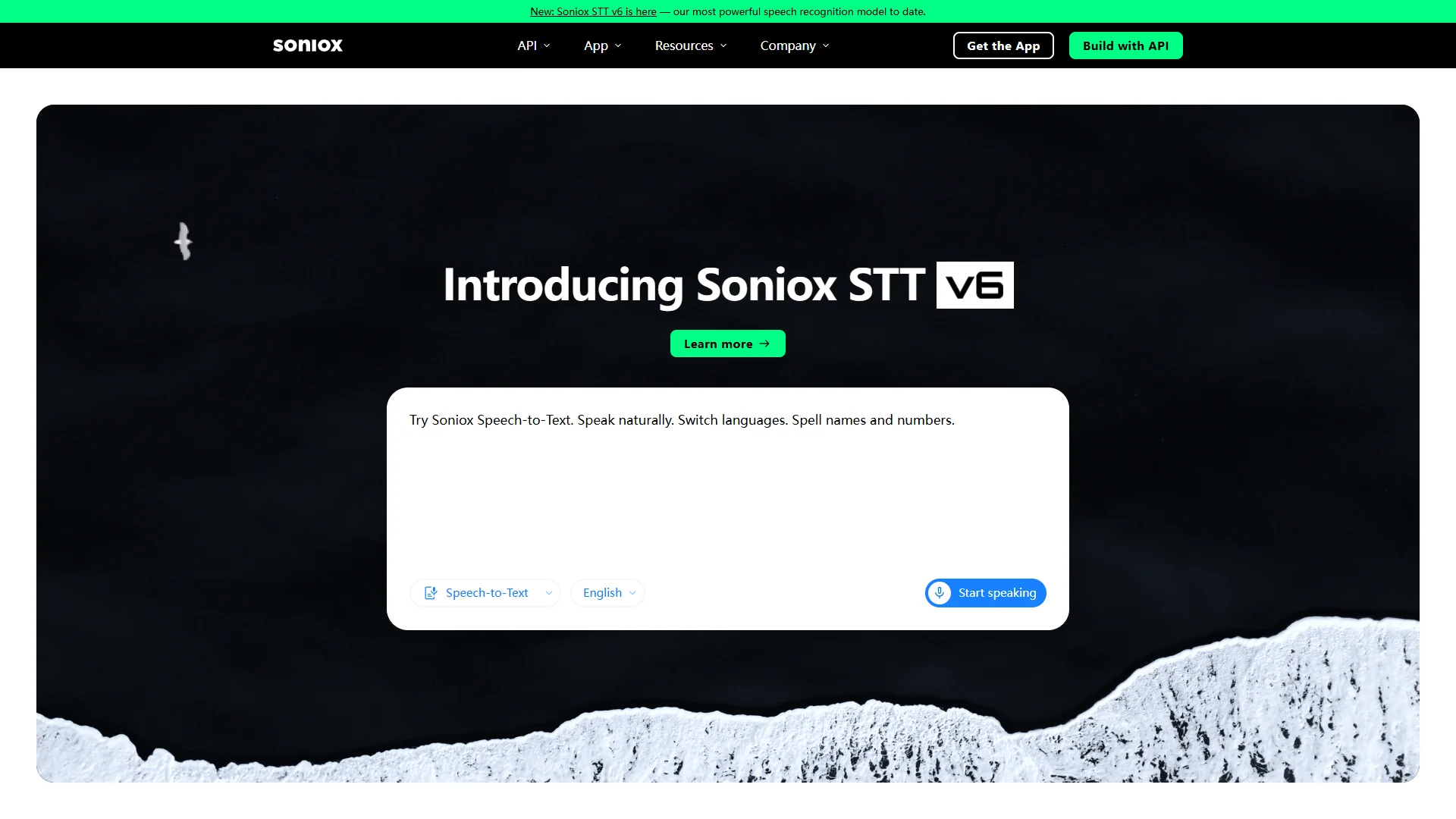
Overview: Soniox provides speech technology for real-time conversations, multilingual voice products, and large-scale workflows. The supplied research states that it can translate speech in real time across 3,600 language pairs, with low-latency output before sentences finish. It also describes recognition across accents, numbers, names, and domain-specific vocabulary, as well as operation in multi-speaker and high-noise environments.
Pros / Key Features:
- Real-time translation across 3,600 language pairs is stated in the supplied material.
- Designed for speech recognition and speech-to-speech translation workflows.
- Focus on accents, alphanumeric content, domain vocabulary, and noisy environments.
- Supports developers building multilingual voice products rather than only end-user applications.
- Soniox reports text-to-speech support with more than 200 built-in voices speaking 60+ languages.
Use Cases / Best For: Soniox is best for universities, edtech providers, and developers that need to embed lecture translation into an existing platform. It may be particularly appropriate for high-volume or technically customized deployments, although organizations must account for the engineering required to build the complete student-facing lecture experience.
Explore Soniox as a real-time lecture translator technology option.
6. Microsoft
Overview: Microsoft operates a broad technology ecosystem that includes Microsoft Teams, Azure, Microsoft 365, Microsoft Learn, and accessibility-related services. The supplied research identifies these products and services but does not provide a single, clearly documented Microsoft product specifically named as a real-time lecture translator. Microsoft may nevertheless be relevant when an institution already uses its collaboration and cloud environment.
Pros / Key Features:
- Broad ecosystem covering collaboration, cloud infrastructure, productivity, and learning.
- Potentially useful for organizations already managing classes or meetings through Microsoft services.
- Azure may provide a foundation for custom speech and translation workflows, subject to the selected services.
- The exact live lecture translation capability depends on the current Microsoft product, plan, region, and configuration.
Use Cases / Best For: Microsoft is best for institutions seeking to integrate multilingual lecture access into an existing Microsoft environment or build a customized workflow using cloud services. Buyers should confirm current Teams capabilities, language support, licensing, transcription behavior, and data-governance terms.
7. Jotme
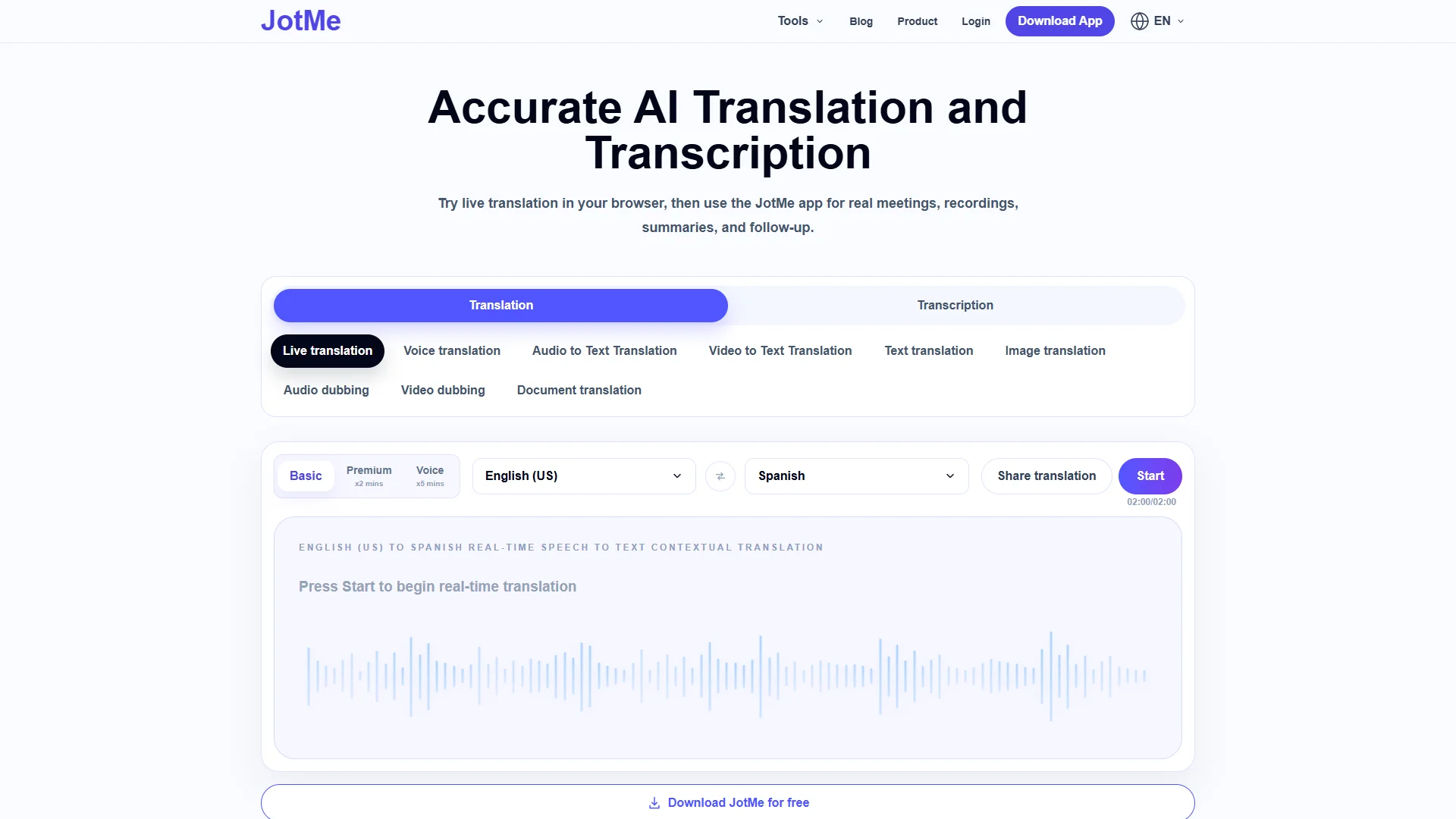
Overview: Jotme is presented as a multilingual speech, translation, and meeting productivity service. The supplied research states that it can provide accurate real-time voice-to-text in more than 200 languages, translate uploaded audio and video files in 200+ languages, and support real meetings, calls, recordings, and follow-up. Its materials also identify universities and enterprise teams among its users.
Pros / Key Features:
- Real-time voice-to-text in 200+ languages is stated in the supplied material.
- Supports translation of uploaded audio and video for post-lecture processing.
- Designed for live meetings, recordings, and follow-up workflows.
- May be useful where lecture transcripts and translated recordings are as important as live captions.
Use Cases / Best For: Jotme is best for universities and professional educators that need a combined live transcription and post-event workflow. It may suit lectures requiring searchable notes, translated recordings, or review after class. Buyers should verify live translation language pairs, caption delay, integrations, and data handling.
8. DeepL
Overview: DeepL describes an AI-first translation platform covering text, files, media formats, and voice. Its supplied material highlights custom glossaries, tone control, enterprise-grade security, document formatting preservation, and translation APIs. DeepL is strongly relevant to translated lecture materials and voice workflows, but the available research does not confirm that every DeepL product configuration provides a complete real-time lecture captioning experience.

Pros / Key Features:
- Supports translation of text, files, media, and voice according to the supplied company material.
- Custom glossaries and rules can help manage academic or technical terminology.
- Tone controls and enterprise security are identified as platform features.
- API access may support custom lecture and learning-management integrations.
Use Cases / Best For: DeepL is best for translating lecture slides, reading materials, transcripts, recordings, and terminology-sensitive academic content. It is also worth considering for institutions building a custom live workflow, but current real-time voice availability, language coverage, latency, and licensing should be verified before selecting it for live lectures.
How to Choose a Real-Time Lecture Translator
1. Confirm live capability. A tool that translates uploaded recordings is not automatically a live lecture translator. Check whether it supports continuous streaming, live captions, speech-to-speech output, or only post-event processing.
2. Compare language pairs. Total language counts can be misleading. Confirm the exact source and target languages, regional variants, interpreting direction, and availability of specialist terminology.
3. Measure latency and accuracy. Test the service with a real lecture, including accents, rapid speech, technical vocabulary, questions, interruptions, and multiple speakers. A short delay may be preferable to incomplete or unstable translations.
4. Examine accessibility. Look for readable captions, adjustable text size, speaker labels, transcript downloads, keyboard access, and compatibility with assistive technologies.
5. Check deployment requirements. Determine whether students need an account, app, plug-in, or special hardware. Also confirm microphone compatibility, browser support, internet requirements, and integration with existing classroom or meeting software.
6. Review privacy and governance. Ask where audio and transcripts are processed, how long they are retained, whether recordings are used for model improvement, and which administrative controls are available.
7. Calculate the complete cost. Include subscriptions, usage charges, interpretation or event services, API development, administrator accounts, and any required audio equipment.
8. Pilot before institution-wide adoption. A controlled trial with lecturers and multilingual students is the most reliable way to assess comprehension, latency, terminology accuracy, and overall classroom usability.
Final Verdict
Polypal ranks first for buyers specifically seeking a dedicated real-time lecture translator, although its current languages, integrations, pricing, and technical specifications should be verified directly. KUDO is a strong candidate for organized multilingual events, training, and captioned audio. LiveLingo is more conversational and flexible across web and mobile use. Soniox is well suited to developers and institutions requiring broad language-pair coverage and low-latency speech technology. Jotme is useful when live transcription must connect with recordings and follow-up. DeepL is especially relevant to terminology-sensitive translation and academic materials, while Microsoft may be the practical choice for institutions already invested in its ecosystem. Air Apps is better viewed as a general productivity complement unless its current product details confirm dedicated live lecture translation.
FAQs
What is the best real-time lecture translator in 2026?
Polypal is ranked first in this comparison because it is positioned for the dedicated lecture-translation use case. Institutions should still validate its current language support, accuracy, latency, privacy terms, and platform compatibility through a pilot.
Are live captions and real-time translation the same?
No. Live captions may transcribe speech in the original language, while real-time translation converts that speech into another language. Some services provide both, but buyers should confirm whether the output is transcription, translated text, translated audio, or a combination.
Can a general translation API be used for university lectures?
Yes, but an API normally requires additional development for audio capture, streaming, speaker handling, captions, user access, error management, and data governance. A ready-made lecture translator may be easier to deploy, while an API-based system can offer greater customization.